
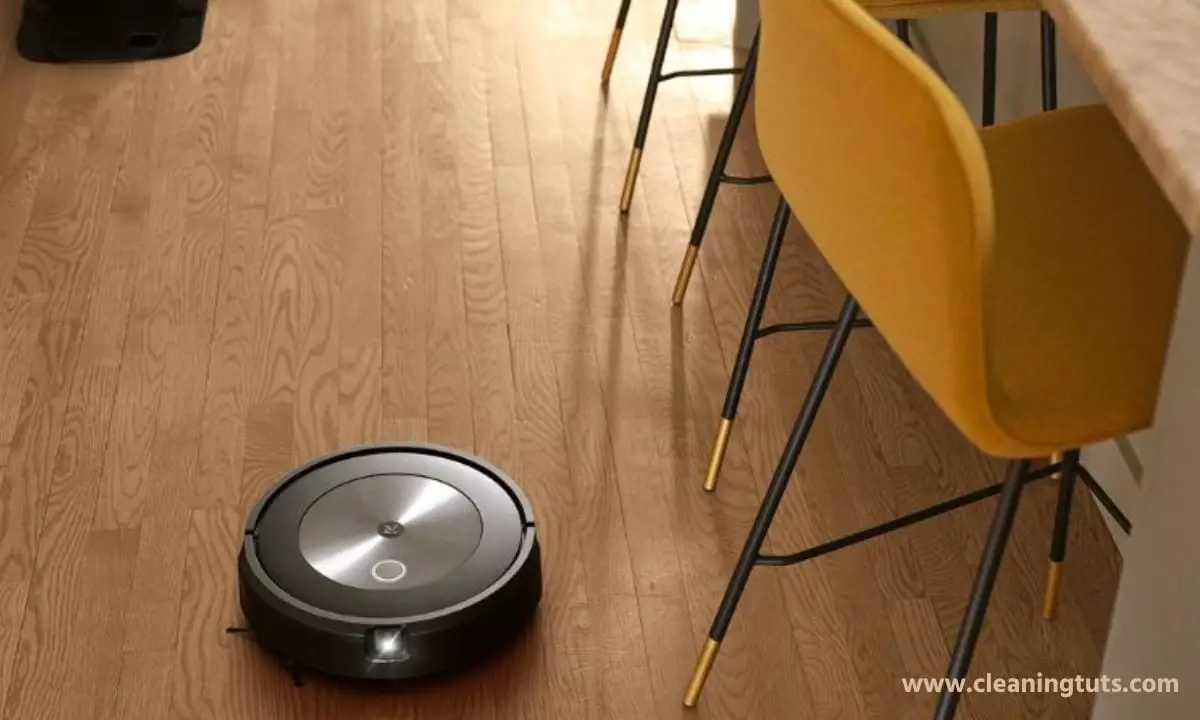
Roomba Not Vacuuming Entire Floor: How To Fix?

A Roomba that fails to cover the entire floor typically has a dirty communication window or bumper, deactivated Edge Clean mode, contaminated sensors, insufficient lighting, or a depleted battery. These issues are solvable with basic maintenance.
Here is the systematic fix for a Roomba that does not vacuum the entire floor:
- Clean the communication window and bumper.
- Enable Edge Clean mode via the iRobot HOME app.
- Wipe all six cliff sensors (four front, two rear).
- Improve room lighting conditions.
- Fully charge the battery before running a cleaning cycle.
Each method targets a specific root cause. Applying all five restores complete floor coverage in most cases.
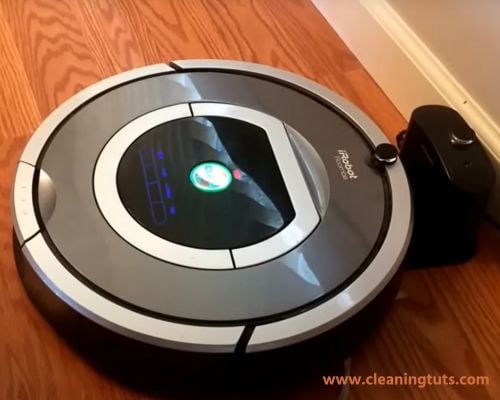
5 Methods To Restore Full Floor Coverage on Your Roomba
When a Roomba fails to map and clean all rooms, these five troubleshooting methods resolve the issue in most cases:
Method 1: Clean the Communication Window and Bumper
The communication window and bumper on a Roomba use infrared signals to locate the charging base and map floor layouts. Debris blocking these surfaces disrupts navigation, causing the robot to miss entire sections of a room.
Method 2: Enable Edge Clean Mode
Edge Clean mode activates a dedicated cleaning pass along walls, baseboards, and furniture edges — areas that standard random-path navigation frequently misses. When disabled, the Roomba skips these zones entirely.
Method 3: Clean the Cliff Sensors
Roomba uses six infrared cliff sensors — four along the front edge and two at the rear — to detect drop-offs and avoid stairs. Dust, hair, and debris on these sensors causes false drop-off readings, triggering mid-cycle retreats that interrupt floor coverage.
After taking out the targeted parts from the Shark vacuum, you can either insert new parts or clean them to reinstall.
Never spray liquid cleaners or water directly into the sensor openings. Infrared sensors are moisture-sensitive and liquid exposure causes permanent damage.
Method 4: Improve Room Lighting Conditions
Roomba’s optical navigation sensors rely on ambient light to map rooms and track movement patterns. Rooms with insufficient lighting cause the robot to pause, reverse, or follow incomplete navigation paths.
Increase ambient light in all rooms the Roomba services. Close blinds or curtains only after a cleaning cycle completes. Night cleaning runs in dim rooms produce significantly reduced coverage.
For more details, see our guide on Roomba navigation and coverage issues.
Method 5: Verify Full Battery Charge Before Cleaning
A Roomba running on a low battery initiates a Return to Dock sequence when charge drops below 15%. The robot abandons its current cleaning map and returns to the charging base. Once recharged, it resumes from the dock — not from the interrupted point — leaving portions of the floor uncleaned.
Ensure the battery reaches 100% before starting a cleaning cycle. Confirm the Home Base is placed in an open area with clear pathways on both sides. If the Roomba frequently returns before completing coverage, inspect the brushes for tangled hair or debris — resistance forces the robot to work harder and deplete the battery faster.
Empty the dust bin before every third cleaning cycle. A full dust bin increases airflow resistance, forcing the motor to work harder and reducing runtime by up to 30%.
Quick-Reference: Roomba Coverage Troubleshooting Summary
| Symptom | Root Cause | Fix |
|---|---|---|
| Skips entire rooms | Dirty communication window/bumper | Clean with microfiber cloth + compressed air |
| Leaves edge zones uncleaned | Edge Clean mode disabled | Enable via iRobot HOME app |
| Retreats from open floors | Dirty cliff sensors | Wipe all 6 sensors with dry microfiber |
| Pauses mid-cycle | Insufficient lighting | Increase ambient room light |
| Stops before completing floor | Low battery / full dust bin | Charge fully; empty dust bin |
Conclusion
A Roomba that fails to vacuum the entire floor produces this behavior due to solvable maintenance issues. Cleaning the communication window and bumper, enabling Edge Clean mode, wiping the six cliff sensors, providing adequate lighting, and maintaining a full battery collectively resolve coverage failures in most cases.
Perform this five-point check monthly to maintain consistent full-floor coverage. If these methods do not resolve the issue, contact iRobot support or consult a certified repair technician.
For ongoing Roomba maintenance, also review our guides on troubleshooting Roomba brush issues and resolving frequent Roomba stoppages.


