
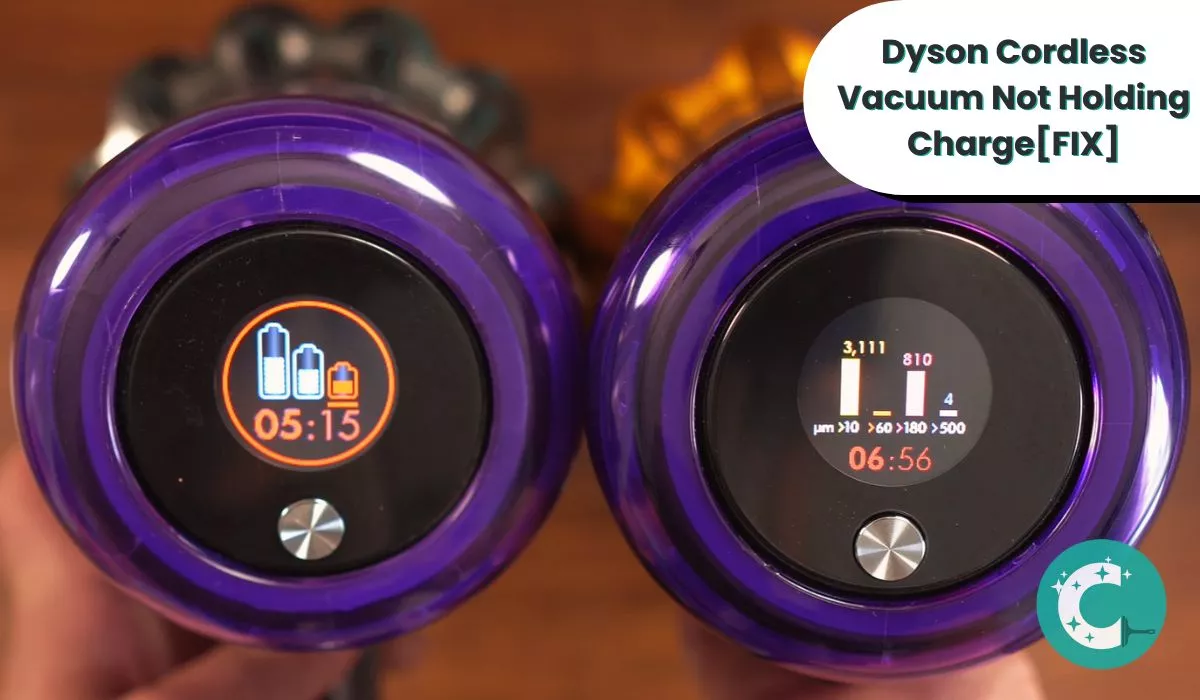
Dyson Cordless Vacuum Not Holding Charge –How to Fix It?

When your Dyson cordless vacuum stops holding a charge, the lithium-ion battery has degraded below 80% of its original capacity — typically after 300–500 full charge cycles. This guide walks through every verified cause of premature discharge and the exact steps to restore run time or determine whether battery replacement is necessary.
But there can be more reasons as well. There’s no doubt that Dyson provides some of the best vacuum models. However, with consistent use, damages and wearing out are common.
And so, you will face problems after a certain while of usage.
Your cordless Dyson not holding its charge often means a damaged battery. But it can also happen from faulty cable, battery casing damage, or power outlet not working. So, you have to find out the exact problem first to fix it.
Let us help you with that!
Why Your Dyson Cordless Vacuum Is Not Holding the Charge: It’s Usually the Battery
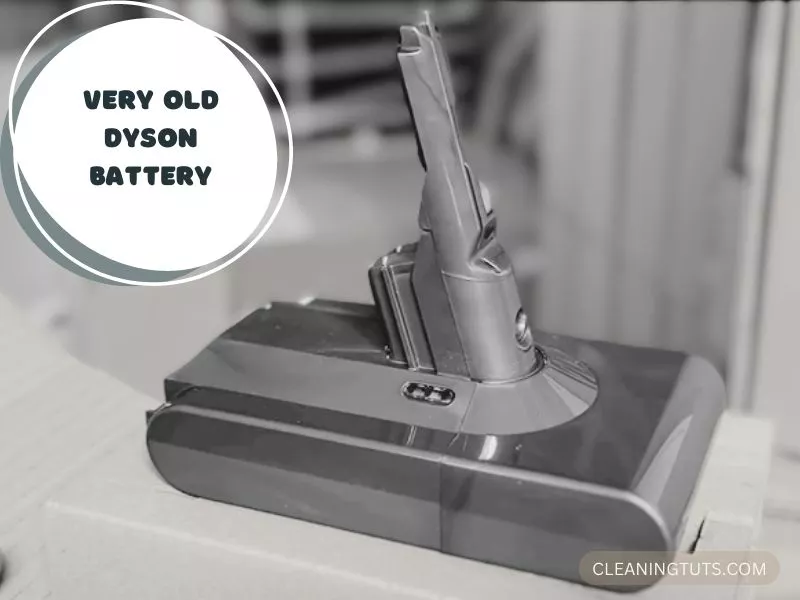
Two conditions cause your Dyson battery to fail to hold charge:
- The lithium-ion cell has degraded below usable capacity after 300–500 full charge cycles
- Physical damage to the battery casing or internal cells from drops, moisture, or voltage surge
Dyson lithium-ion batteries degrade through chemical oxidation that reduces active lithium-ion availability. In most cases, the Dyson vacuum shuts off after 3–5 minutes of use, which strongly indicates that the battery has fallen below 60% of its original capacity.
How long does this battery last typically? A Dyson cordless vacuum battery endures 300–500 full charge cycles before capacity drops below 80% — the industry threshold for replacement. With proper maintenance, this translates to approximately 3–5 years of regular use before replacement becomes necessary.
And keep in mind, with every year passing, the battery will lose approximately 2–3% of its total capacity annually due to natural chemical degradation, even without regular use.
Now before you assume the battery is dead old, you might want to know about Dyson battery reset and try it. Resetting is a common troubleshooting practice you should try whenever the vacuum fails to run.
How to Reset the Dyson Battery in 4 Steps
Once you have tried resetting and failed to recover the situation, it is obvious you will need a Dyson cordless vacuum battery replacement.
Your Dyson battery needs replacing if you notice visible physical damage on its casing — dents, swelling, corrosion around the terminals, or liquid residue. If the battery experienced falling on the ground multiple times before giving up, then it is permanently damaged. Also, if an internal component of the battery is damaged, the impact can cause internal cell shorting.
No matter what you do, a damaged Dyson vacuum battery cannot be repaired. You must replace it.
During replacement, dispose of the old battery at a certified e-waste recycling center. Lithium-ion batteries contain toxic heavy metals and pose fire risks if compressed or incinerated.
A Damaged Charging Cable Causes the Vacuum Not to Charge Properly
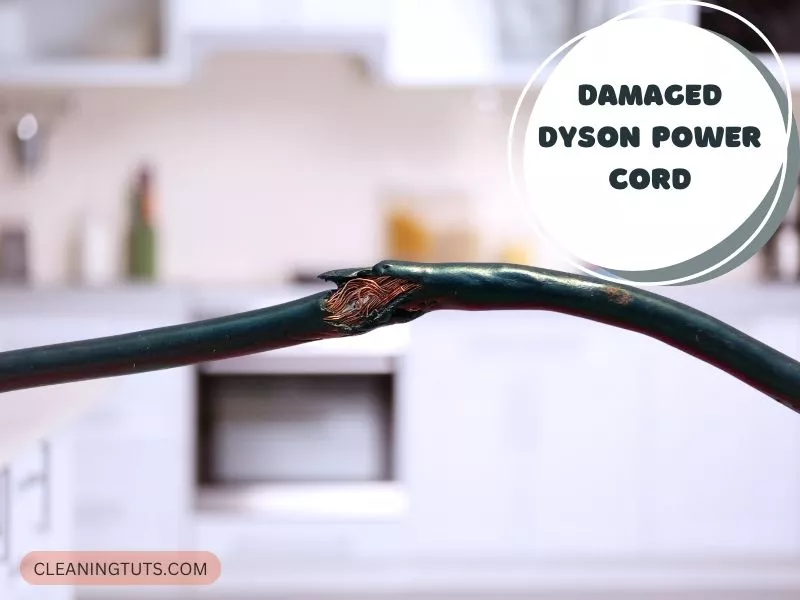
Now if it is not some Dyson battery problems then the next most possible suspect would be the cable.
It could get damaged and cause the charger to not work properly. Sometimes the whole situation leads to intermittent power issues where the battery charges only when the cable is held at a specific angle.
So, give the cable a close look. You want to find wear and tear signs — fraying at bends, exposed copper wire at the connector strain relief, or discoloration from thermal damage. There can be exposure of wire as well causing intermittent short circuits.
A simple bend of the cable can also be responsible. As soon as you realize there is a problem with the cable make sure to not use it. And get a replacement as soon as possible.
How to Wake Up a Dormant Dyson Battery: The Reset Procedure
A common fault that can happen with the Dyson vacuum is that it shows depleted battery signs even with full charging. And it can easily confuse the owners of the vacuum cleaner needing a battery replacement.
However, it just needs to wake up. This is a reset process. You can go ahead and try the previous reset technique I talked about. There is another way of waking up the battery. That is what I will include in this section.
To Wake Up the Battery, Follow These 4 Steps:
A Clogged Filter Forces the Motor to Draw More Power, Draining the Battery Faster
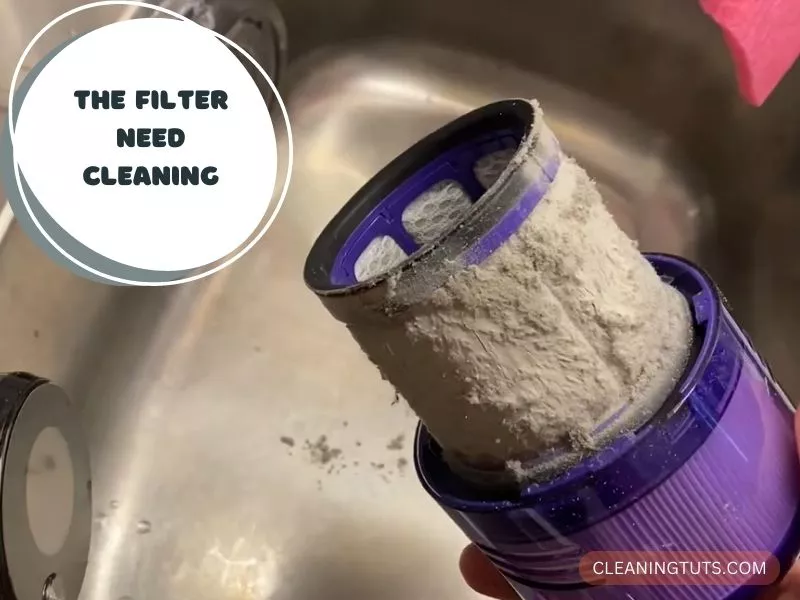
Blockages in the filter restrict airflow, forcing the motor to draw additional current to maintain suction. This increases power consumption by 30–50% and causes the battery to deplete in roughly half the normal run time.
Leading it to lose its ability to hold a charge as normal. And that is why you should always clean the filter and make sure there is no restriction in airflow in your vacuum.
You can wash the filter with cold water only — no detergent, no soap. Detergent residues coat the filter media and reduce particle capture efficiency. For the foam pre-filter element, gently squeeze in cold water until the water runs clear. Allow all filter components to air-dry completely for at least 24 hours before reinstalling. Placing filters in a dryer or using heat shortens the foam’s useful lifespan.
- Clean washable filter: Every 1–3 months depending on usage frequency
- HEPA post-motor filter: Replace every 12–18 months
- Check for blockages: After every 10–15 uses
A Faulty Power Outlet Causes Erratic Charging and Intermittent Battery Drain
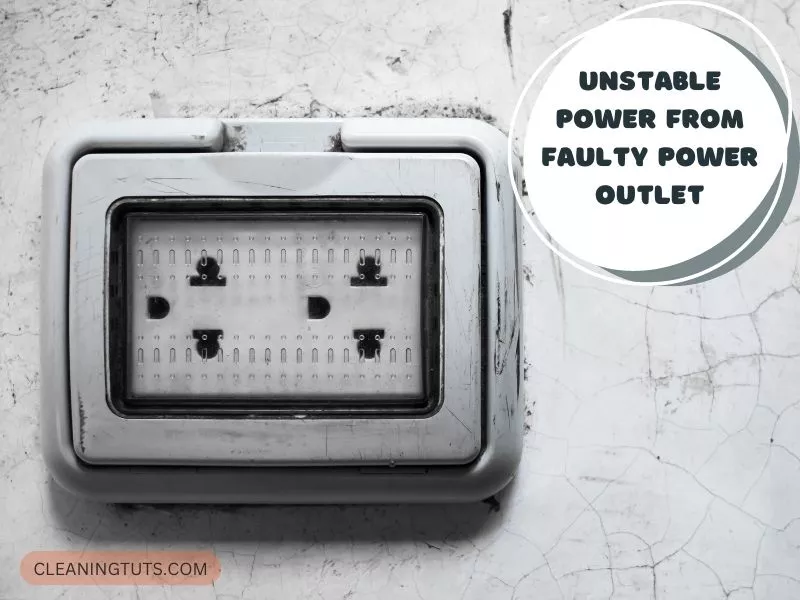
And it can also be the reason for the battery losing the ability to hold a charge. So, before you blame it on the appliance, make sure the outlet you were using is not faulty.
There is a good chance the power outlet is seeming to work fine but causing damage to the battery life through an undersized or fluctuating supply.
And to check that you can try another high-power consumption appliance into the unit. If the power outlet does not work, then it needs fixing, and you must contact a licensed electrician.
Also, try to turn off the switch of the power outlet and run the appliance.
If it does not run, then the outlet is fine. However, if the appliance is running despite the power outlet switch being off, there is a serious issue with the outlet wiring and it needs immediate professional attention.
Quick-Reference Troubleshooting Guide
| Symptom | Most Likely Cause | First Action |
|---|---|---|
| Vacuum shuts off after 3–5 minutes | Battery degraded below 60% capacity | Reset battery (30-sec charge, 15-sec hold) |
| No charging indicator when plugged in | Faulty charger cable or power outlet | Test with known-good outlet and charger |
| Reduced run time despite full charge | Clogged filter or blocked airflow | Clean washable filter; check for blockages |
| Battery shows full but drains immediately | Dormant/protective mode battery | Perform full wake-up reset procedure |
| Visible battery damage (swelling, corrosion) | Physical cell damage | Replace battery; do not attempt to use |
Wrapping Up
And now you know what to do once you discover your Dyson cordless vacuum not holding charge. These solutions are most likely to work.
However, if there is more than just your battery or power components that are damaged, things could be a little tricky to sort out on your own. In those cases, you should consider seeking professional help.
And at all times, you must check the manual to make sure you are trying fixes that do not have any step invalidating the warranty or anything that the manufacturer warned you to not do.
On that note, I’ll leave for today! See You Soon Again.
References
- Dyson Support. (n.d.). Vacuum Troubleshooting Guide. Dyson Support
- Environmental Protection Agency. (n.d.). Indoor Air Quality: Vacuum Cleaners. EPA Indoor Air Quality
- National Sanitation Foundation. (n.d.). Vacuum Cleaner Certification and Standards. NSF International
- Batteries Plus. (n.d.). Lithium-Ion Battery Care and Maintenance. Batteries Plus


