
Can Roomba Clean Multiple Rooms?

Yes, Roombas clean multiple rooms autonomously using advanced navigation sensors and mapping technology. Modern Roomba models use either vSLAM camera-based navigation or Floor Tracking sensors to map room layouts, detect doorways, and transition between spaces without human intervention. The i3+ runs up to 90 minutes per charge, while the i7+ and s9+ run approximately 60 minutes before auto-returning to their Clean Base for recharging.
One of the automated cleaners that have been picking up a lot of attention is the Roomba. It is one of the hassle-free cleaners that you will be able to pick up in the market. Many of the models do not even need any sort of attention because they have a built-in chip that allows them to find their charging base on their own.
Now, as these cleaners are gaining popularity over time, many questions are popping up among consumers. One of the things that people wonder about is whether a Roomba can clean multiple rooms or not. Understanding the capabilities of these smart vacuums can help potential buyers make an informed decision. Many users seek to understand how effectively a Roomba can navigate and clean various spaces in a single session. Additionally, potential buyers are eager to know about the efficiency of their cleaning cycles, which leads to questions regarding the Roomba cleaning duration explained. Such information can ultimately influence their decision to invest in this robotic cleaning technology. Additionally, users have reported instances of Roomba not cleaning floor properly, leading to concerns about its effectiveness in larger spaces. As a result, potential buyers are eager to understand how well these devices navigate through multiple rooms and whether they can adapt to different floor types. This has sparked discussions about the technology behind their mapping and cleaning capabilities.
How Does a Roomba Work?
When you think of getting a vacuum cleaner, you mostly think about a chunky unit that you would need to push around to get the surfaces clean. Well, some of the manufacturers did not really have the same exact vision.
Now, have you ever seen one of those Disney movies where the magical broom automatically sweeps the entire room by itself? Well, if you did watch those, you probably know what we are talking about here.
The manufacturers had the exact same vision minus the “magic” part. Instead of that, these come with highly efficient processors that follow advanced algorithms to operate seamlessly.
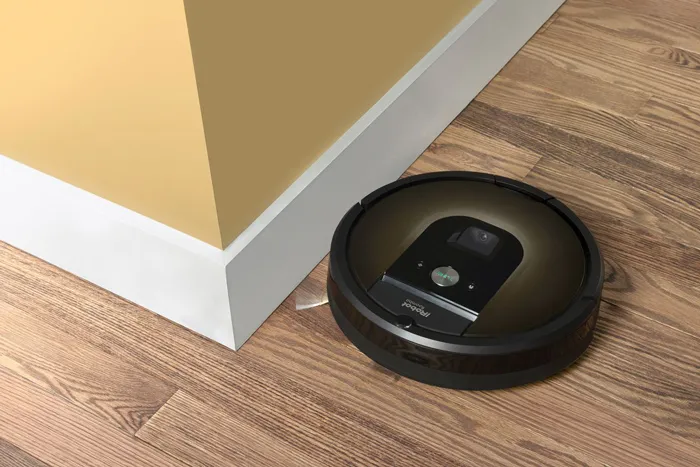
Just like regular vacuum cleaners, Roomba comes with dual multi-surface rubber brushes that gather dirt and debris from floors. It also has a dirt bin with a specific capacity that varies by model.
The dirt bin capacity ranges from 350 ml on standard models to 500 ml on others. For the self-emptying Clean Base models, the base holds up to 60 days of debris in AllergenLock bags (i3+) or approximately 30 dustbin loads (i7+/s9+).
The algorithm is tied to the sensors on the body. Those sensors allow the Roomba to map the environment, detect obstacles, and navigate from room to room by finding doorways. Most advanced units automatically return to their charging station when battery drops below 15%.
Roomba Navigation Technologies: vSLAM vs Floor Tracking
Roomba models use two primary navigation systems:
| Model | Navigation Type | Battery Life | Mapping Capability |
|---|---|---|---|
| i3+ | Floor Tracking Sensor | 90 minutes | Systematic row-by-row, learns layout |
| i7+ | vSLAM Camera-Based | ~60 minutes | Imprint Smart Mapping, room-specific zones |
| s9+ | vSLAM Camera-Based | ~60 minutes | Imprint Smart Mapping, PerfectEdge technology |
The i3+ uses a Floor Tracking sensor that traces walls and landmarks — it cleans in systematic rows without camera-based vSLAM. The i7+ and s9+ use vSLAM (visual Simultaneous Localization and Mapping) with an onboard camera to build detailed maps of your home, allowing you to designate specific rooms and zones in the iRobot app.
Will the Roomba Clean One Room at a Time?
Unless it is trapped in any carpet or blocked by a Virtual Wall Barrier, a Roomba will clean all the surfaces of your room. It utilizes specialized sensors that allow it to map the entire layout of your rooms. So it knows which area to advance through once it has cleaned a particular area. The sensors detect doorways, and the Roomba transitions autonomously from one room to the next. For rooms with high-density carpets, use a vacuum rated for Berber carpet.
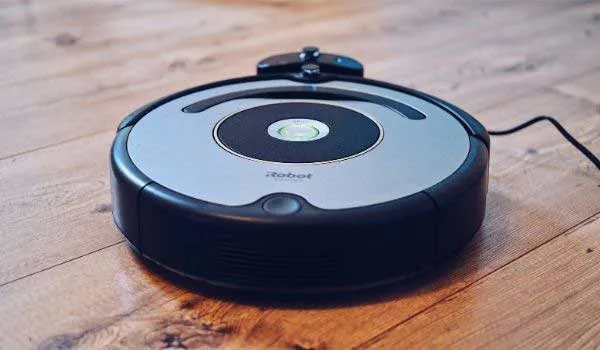
Some of the advanced units also come with Dirt Detect technology that makes them clean high-traffic areas multiple times during a single cycle.
Advanced Features in Modern Roombas
Most manufacturers implement advanced algorithms in their units. They pack their units with advanced chips that allow them to automatically map out the entire layout of the rooms.
For that reason, they generally do not require any sort of guidance for cleaning the entire house. The Roomba advances from one room to another on its own using doorway detection.
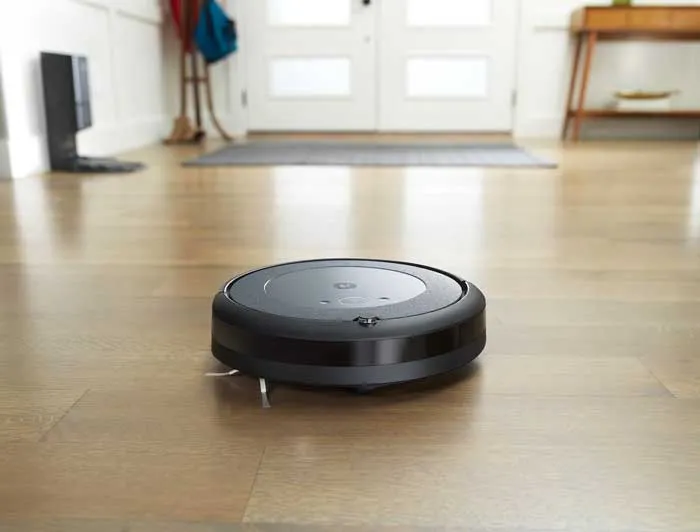
These units follow a systematic cleaning pattern mapped by their sensors. The sensor looks for doorways because each room has at least one. Models with Imprint Smart Mapping (i7+, s9+) can store up to 10 unique floor plans, enabling multi-story navigation.
How Roombas Detect and Avoid Stairs
It depends on the model. All modern Roombas feature infrared cliff sensors that detect drops. Those sensors allow the units to approach within 1 inch (2.5 cm) of a stair edge, clean the edges, and then reverse direction. You do not have to worry about Roombas falling off stairs and getting damaged.
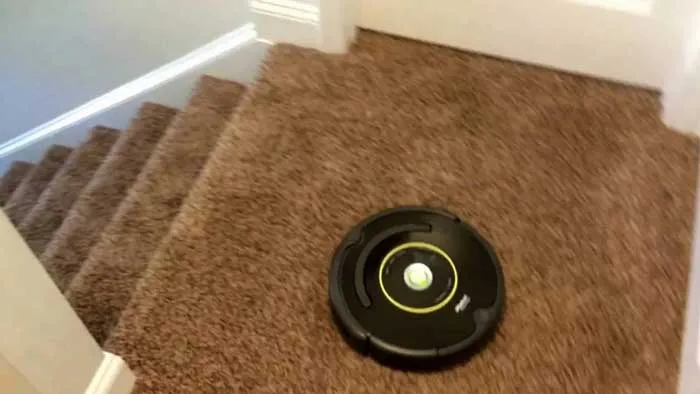
The cliff sensors emit infrared beams downward. When the beam does not reflect back (indicating a drop), the Roomba stops and backs away. This works on stairs, ledges, and elevated surfaces.
What Are Lighthouse Virtual Wall Barriers?
With some advanced Roombas, you receive Virtual Wall Barriers (also called Virtual Wall Lighthouses in older models). These devices create invisible boundaries that keep the Roomba out of certain areas. Suppose the bathroom in your room does not have a divider. To keep the Roomba from entering the bathroom, you set up a Virtual Wall Barrier at the doorway.
Some models also support dual mode Virtual Wall Barriers that can either block a area completely (virtual wall mode) or create a small doorway for the Roomba to pass through (lighthouse mode) to guide sequential room cleaning.
Can a Fully Charged Roomba Clean the Entire House?
It depends on two factors. First, how large your house is. If you have multiple large rooms, one fully charged Roomba might not clean every room on a single charge. It will require at least two or more recharging sessions. The i3+ runs for 90 minutes; the i7+ and s9+ run approximately 60 minutes. A typical 2,000 sq ft home may require the Roomba to recharge mid-cycle in larger layouts.
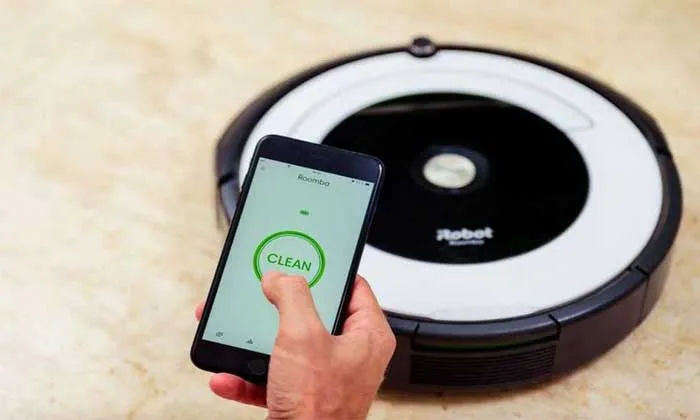
The second factor is battery capacity. Not all Roombas have the same battery capacity. While the i3+ can run up to 90 minutes, many models are limited to 60 minutes. If you live in a home with many large rooms, choose a model with a Clean Base auto-empty dock so it can resume cleaning automatically after recharging.
Roomba Model Comparison: Key Specifications
| Specification | i3+ | i7+ | s9+ |
|---|---|---|---|
| Battery Life | 90 minutes | ~60 minutes | ~60 minutes |
| Navigation | Floor Tracking Sensor | vSLAM Camera-Based | vSLAM Camera-Based |
| Smart Mapping | Basic | Imprint Smart Mapping | Imprint Smart Mapping + PerfectEdge |
| Self-Emptying Base | 60 days capacity | 30 dustbin loads | 30 dustbin loads |
| Suction Power | 10x vs 600 series | 10x vs 600 series | 40x vs 600 series |
| Multi-Floor Maps | 1 | Up to 10 | Up to 10 |
Final Words
Roombas do clean multiple rooms autonomously using sophisticated navigation sensors and mapping technology. Modern models with vSLAM (i7+, s9+) build detailed floor maps and allow room-specific cleaning zones via the iRobot app. Models with the Clean Base auto-empty dock can resume cleaning after recharging, making them suitable for larger homes.
Understanding these capabilities helps you choose the right model for your home size and layout. If you encounter any issues with your Roomba not functioning as expected, refer to our roomba not vacuuming troubleshooting tips. For more on robotic vacuum technology, visit the Roomba Troubleshooting Master Hub. Understanding its capabilities and maintenance will ensure a seamless and effective cleaning experience in your home.
References
- Morris, B. (2022). iRobot Roomba i3+ EVO Review. PCMag. https://www.pcmag.com/reviews/irobot-roomba-i3-plus
- Morris, B. (2022). iRobot Roomba i7+ Review. PCMag. https://www.pcmag.com/reviews/irobot-roomba-i7-plus
- Morris, B. (2022). iRobot Roomba s9+ Review. PCMag. https://www.pcmag.com/reviews/irobot-roomba-s9-plus


